DYNACO
VISUAL DESIGN
Web prototyping
Visual Experience
Guiding a character through an environment
THE PROBLEM
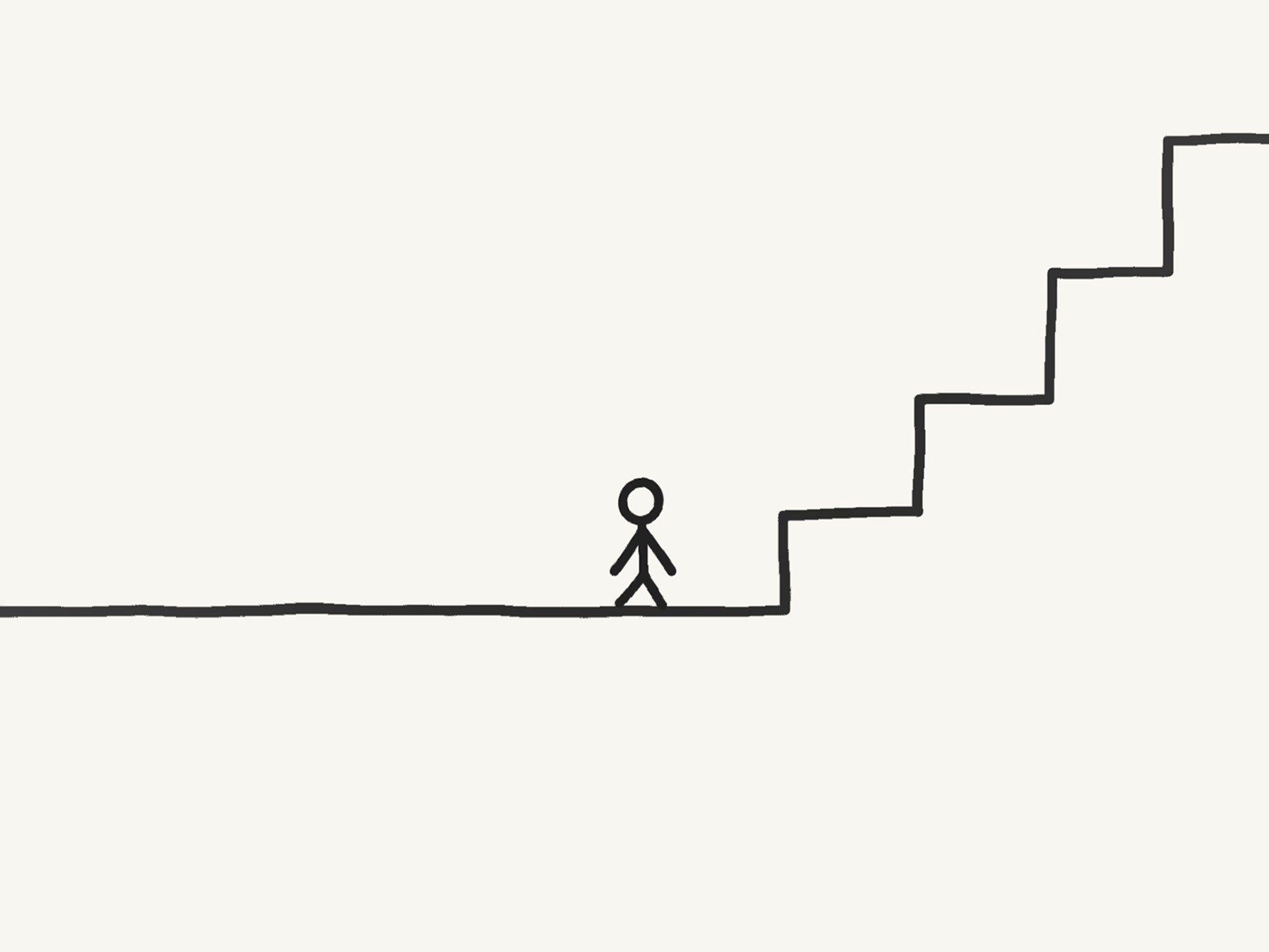
Usually, users land on a page and passively scroll down through blocks of text one after another. My goal was to overturn this paradigm. I wanted to conceive the website experience as a visual journey. Treating the page as the profile of a generic company, I transformed a list of complex services into a physical journey across a vast interactive infographic.
TECHNICAL CHOICES
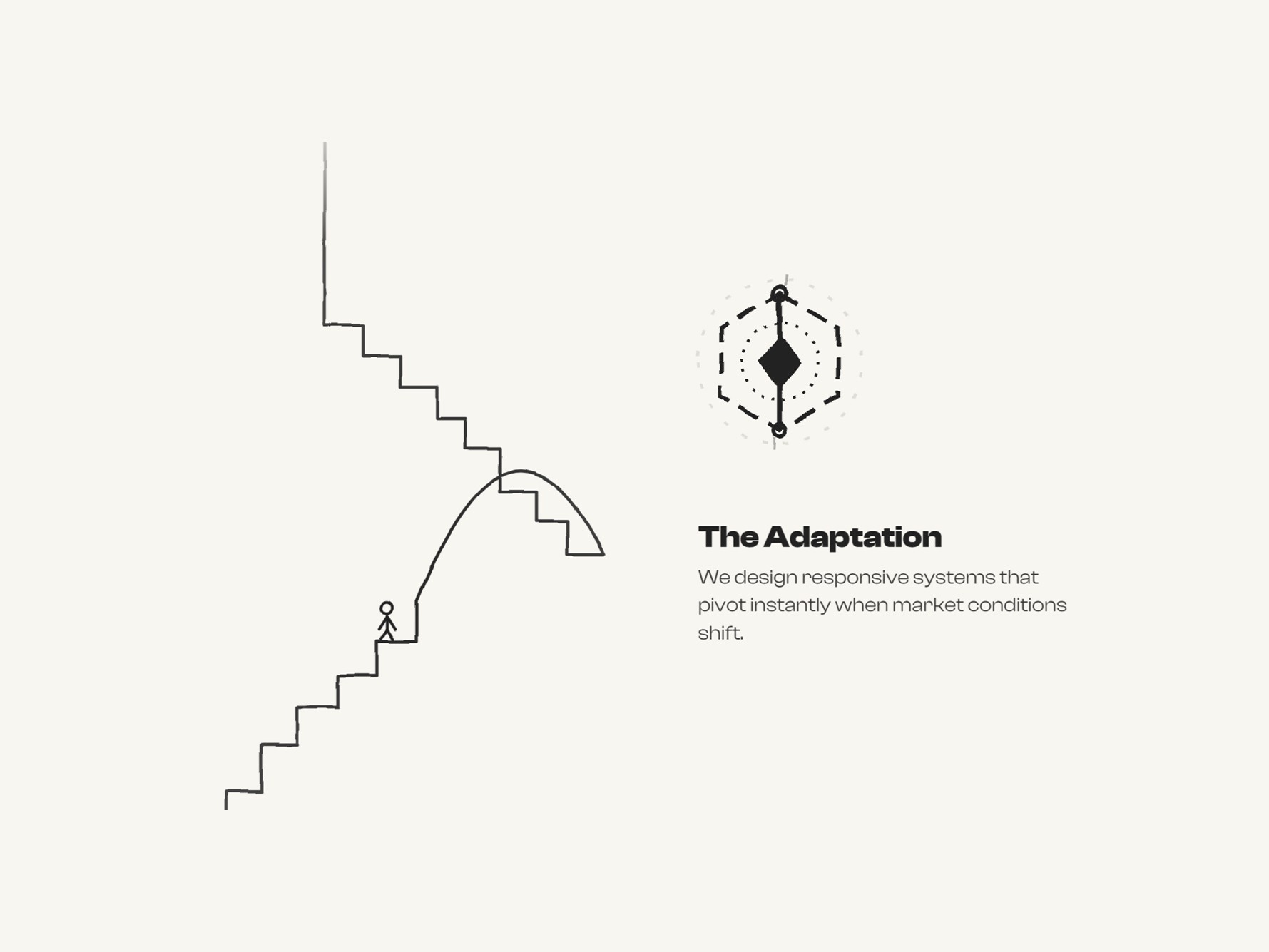
When dealing with concepts such as “data flows,” “automation,” or “networks,” users easily lose attention. To address this UX challenge, I needed an element that could introduce a sense of scale and progression. That is why I introduced the explorer character. The user is no longer simply “scrolling a page,” but actively guiding a character through an environment. This makes the interaction more tangible, while the character serves as a visual focal point for the eye throughout the entire descent.
For page transitions, I wanted to avoid the usual dull loading states, so I programmed a split-screen physical “separation” interaction, synchronized with haptic-like sound effects. In addition, to maintain navigation fluidity, I built a memory system using sessionStorage: when the user enters one of the 15 stages and then navigates back, the code recognizes the path, skips the initial intro, and teleports them precisely to the point and scroll level where they left the explorer character.
GOING BACK
To avoid forcing the user to scroll back down the entire mountain after reaching the end of the experience, I implemented a mechanical reset function: a “parachute jump” featuring physically based acceleration (easing) and spatial audio effects synchronized to the millisecond.